- How do I send the first message to a client in MAX from amoCRM?
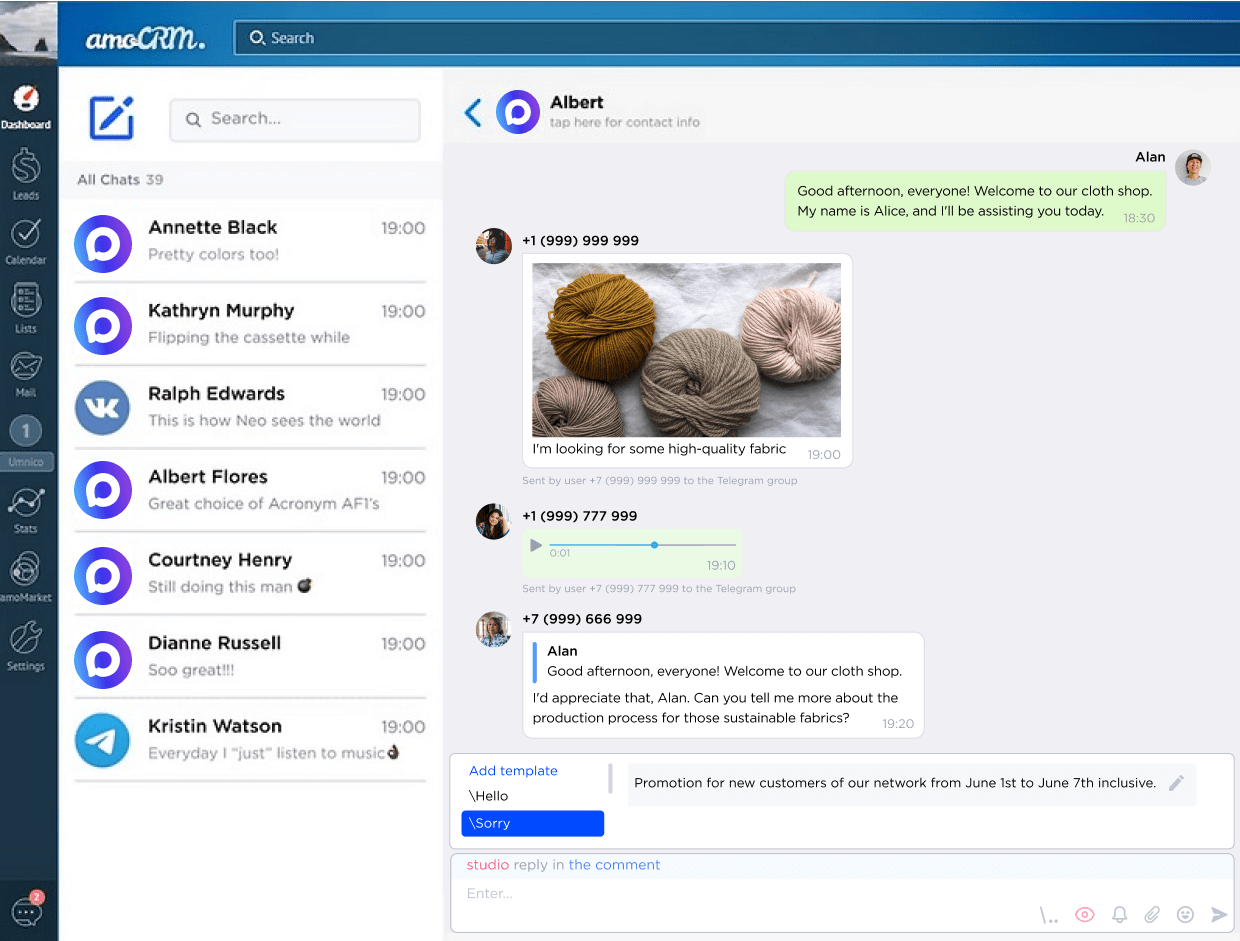
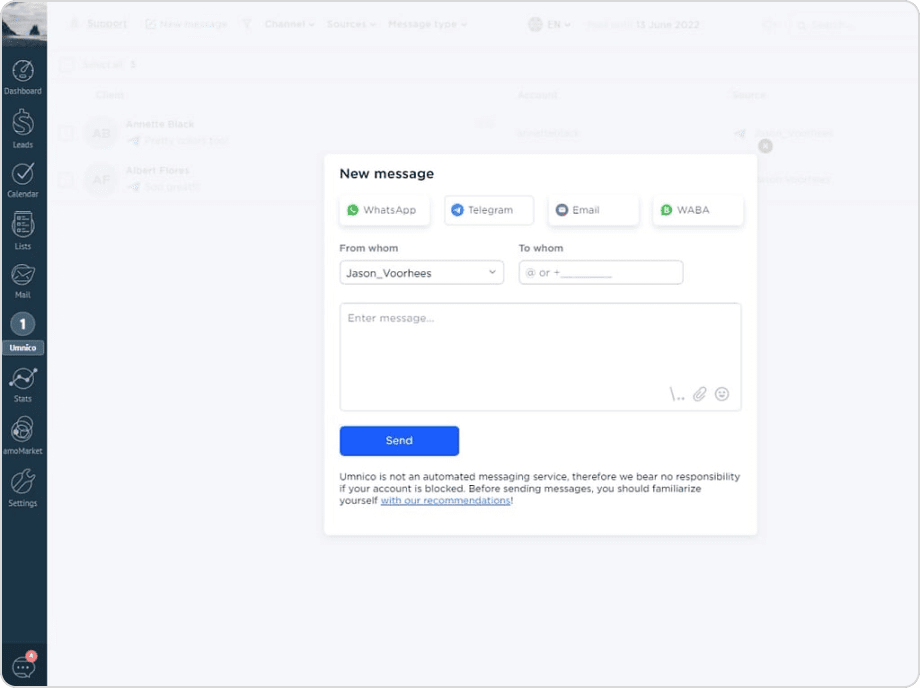
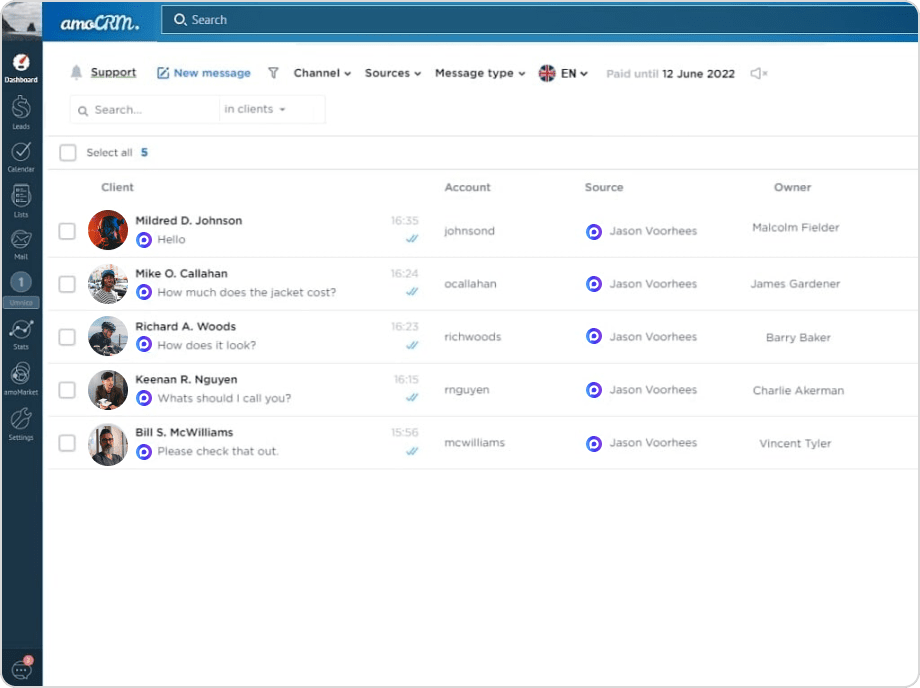
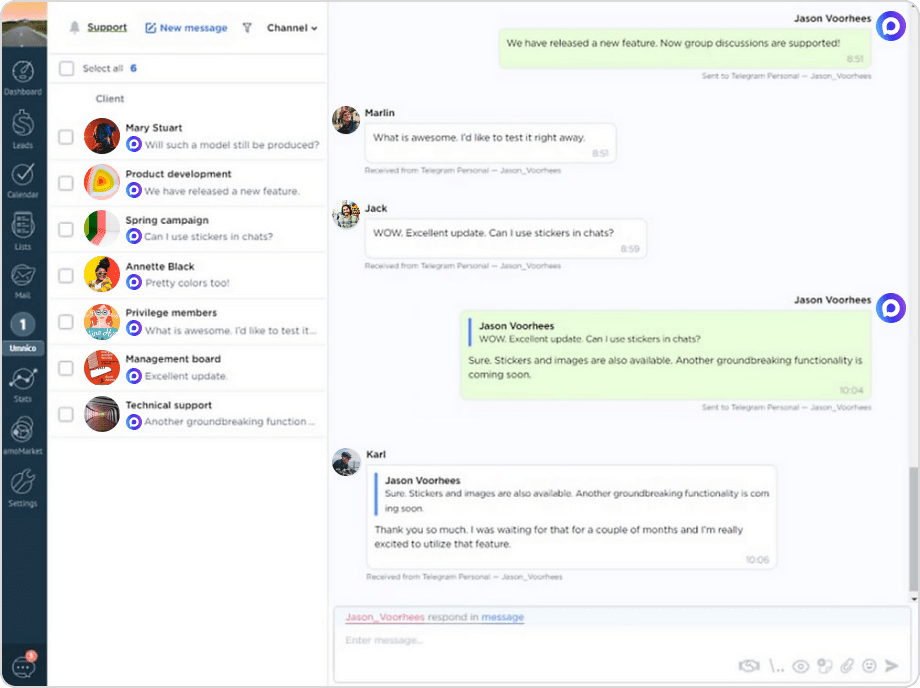
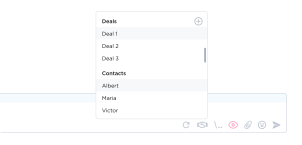
- You can start a conversation with a new client in MAX directly through the Umnico chat center. Open the widget, click “New Message,” select the MAX channel, enter the phone number, type your message, and confirm sending. Similarly, you can send the first message from a deal or contact card — just click the MAX icon next to the client’s number and type your message in the window that appears.
- Can multiple MAX numbers be connected to one CRM?
- Yes, the integration allows you to connect multiple MAX numbers to amoCRM. Each employee can have flexible access rights and permission levels.
- Is there any delay when sending messages via MAX?
- The average delay is only 1–3 seconds, which is the standard delivery time for all messenger users.
- Does the integration support bulk messaging?
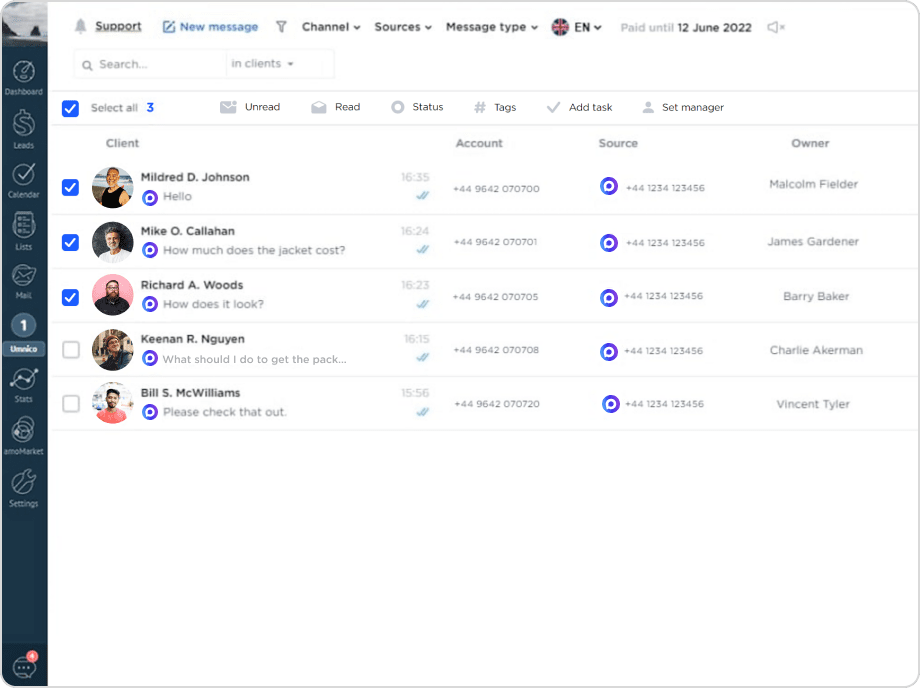
- Yes, through Umnico, you can send MAX bulk messages for selected deals directly from amoCRM. This tool is ideal for notifications and service messages, but it should be used carefully to avoid potential restrictions from the messenger.
- Is this an official MAX integration with amoCRM?
- Yes, our CRM chat app is an official solution listed in the amoCRM catalog. MAX connection uses Umnico’s proprietary technology and authorized integration mechanisms, ensuring stable and reliable operation.
- Are there limits on the number of messages or traffic?
- No, the integration provides fully unlimited message sending, allowing you to use MAX actively without volume restrictions.
- How is message security ensured?
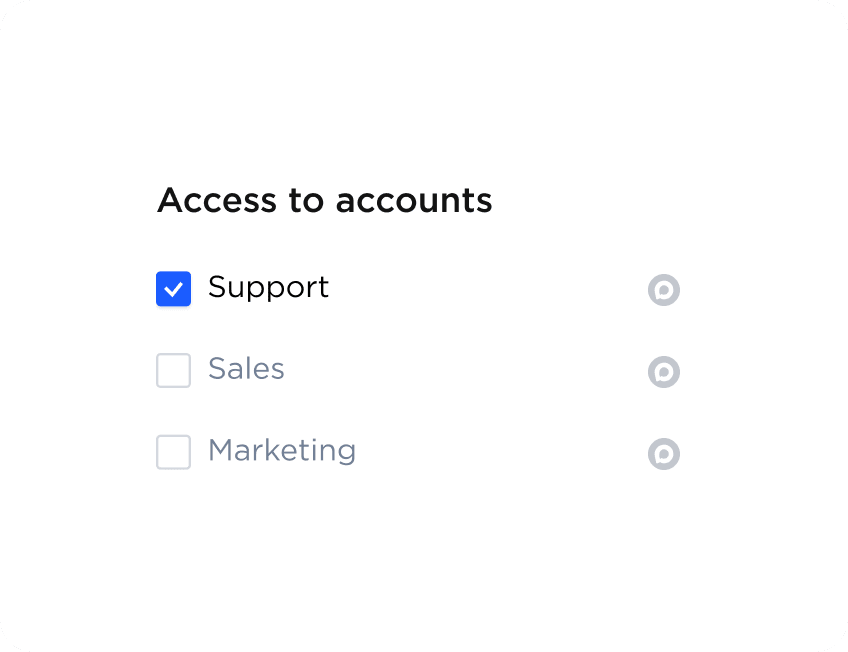
- All messages are recorded and stored in amoCRM, and the access rights system allows you to control who can view and manage conversations, ensuring reliable data protection.