MAX integration with CRM
for correspondence management

Receive customer requests from multiple accounts, automate communication, and monitor employee correspondence in the national messenger MAX. All messages are stored in a secure CRM system, and new conversations are automatically distributed among your specialists.

Try it for free
Lightning
Start conversations
Send new messages using a MAX username or linked phone number while tracking delivery and read status
Reach out first va MAX
Chats
Group chat support
Work in MAX group chats with colleagues and clients directly from Umnico or your CRM system
Bot
Workflow automation
Set up auto-responses triggered by events or connect a chatbot to handle frequently asked questions

What is MAX CRM by Umnico and Why Do You Need It?

MAX CRM by Umnico is a specialized solution for managing messages in the Russian national messenger MAX, combining chat center capabilities with CRM functionality. The service allows sending and receiving messages in MAX through a single interface while providing full control over correspondence, storing conversation history, and managing contacts efficiently.

Unlike the standard MAX mobile app, the Umnico platform is designed for business use. It allows connecting multiple MAX accounts at once, managing all conversations in one window, and ensuring no important messages are lost. Correspondence is stored in a secure system, making communication oversight easier and allowing fast access to necessary information. MAX integration with Umnico CRM enables automated communication, connection to other messengers, and synchronization with popular CRM systems. For more advanced workflows, the MAX API can be used for flexible process customization.

Using MAX CRM, teams respond to inquiries faster, record agreements without extra steps, and prevent losing requests in chats. The correspondence monitoring system in MAX ensures transparent communication, and the MAX integration allows building a unified client communication channel based on a reliable and modern solution from Umnico.

MAX Integration and MAX CRM by Umnico

CRM for MAX by Umnico is suitable for…

Correspondence management

Umnico records and stores all messages, allowing message analysis and monitoring of agreement fulfillment. All requests and communication details remain accessible to everyone involved in the workflow

MAX CRM by Umnico for high-quality customer support and increased conversion

The Umnico communication platform helps companies and entrepreneurs increase sales and improve customer service without adding extra resources. Reliable Umnico integration with the national messenger MAX provides full access to its features, ensures stable performance without delays or message limits, and supports simultaneous use across multiple devices.

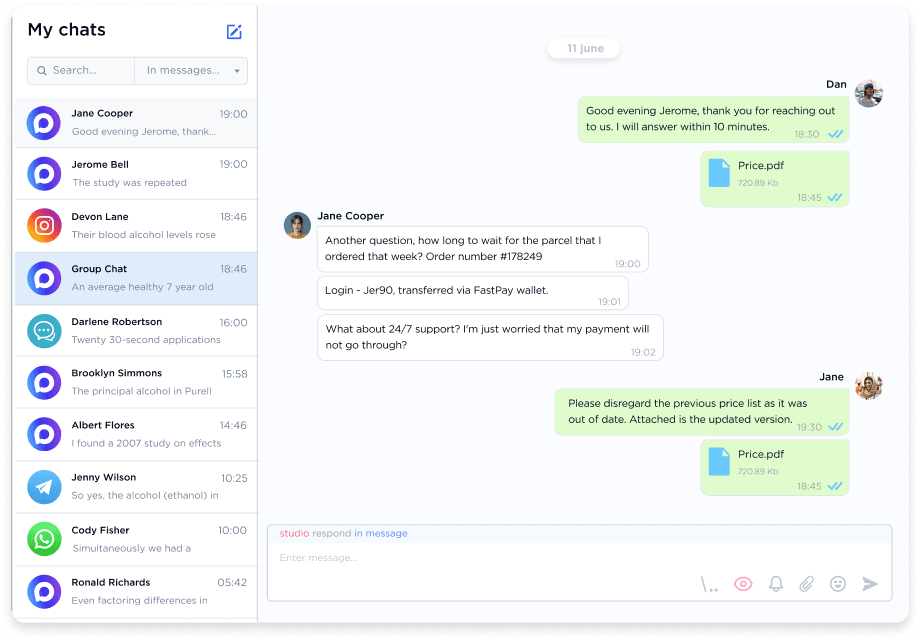
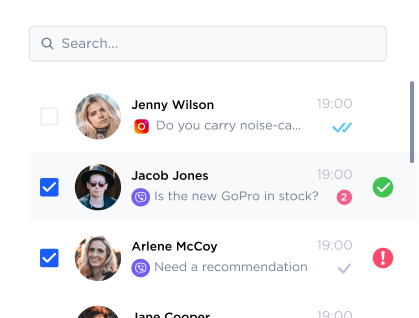
Multichat window for MAX messenger

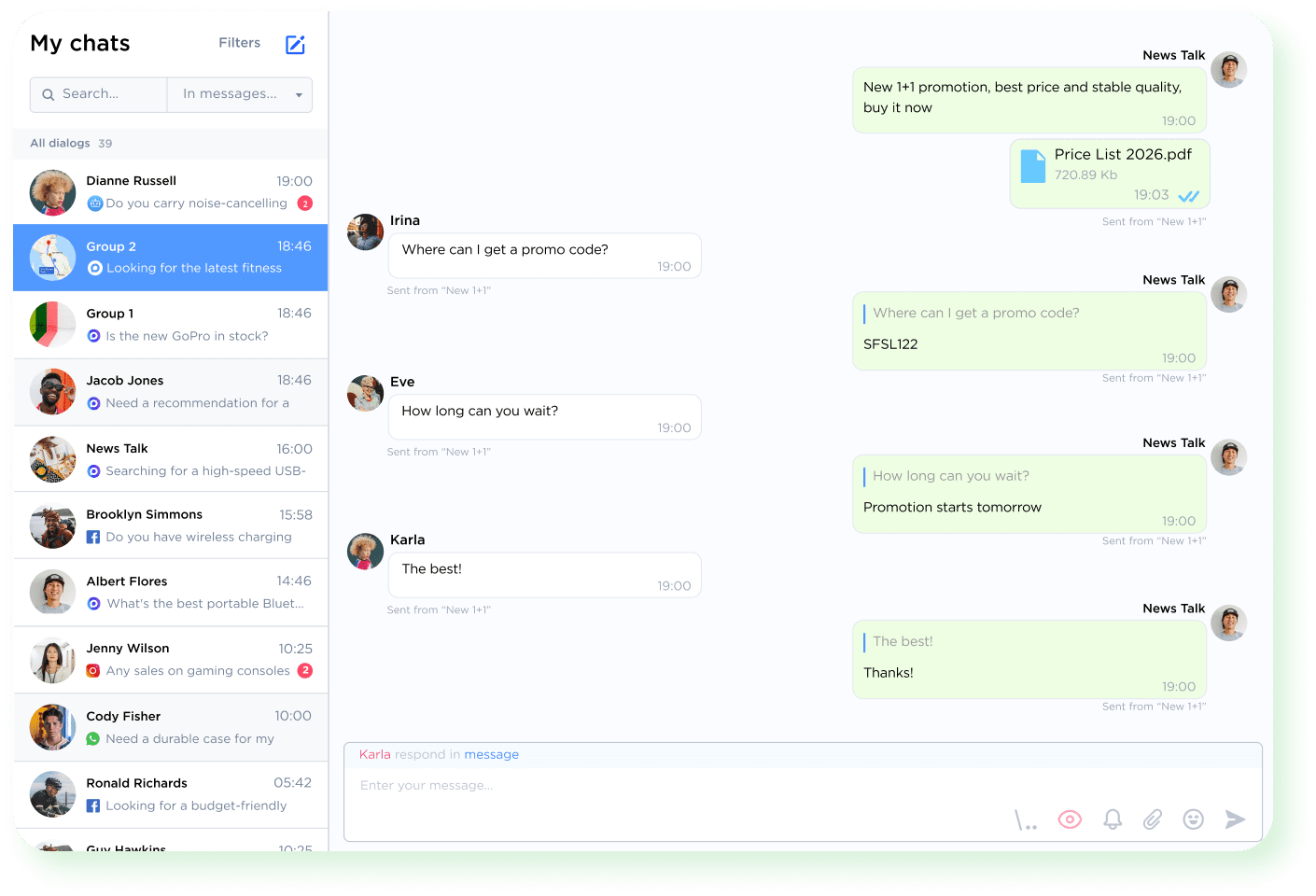
Manage all conversations in a single window

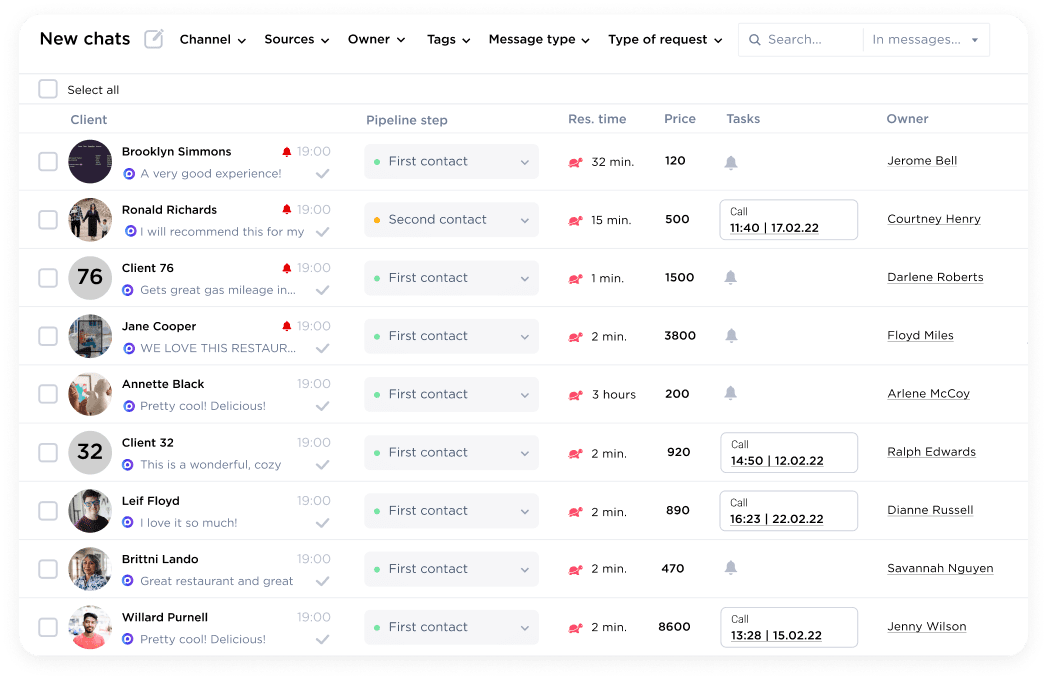
Connect your MAX number to the Umnico chat center and handle all client correspondence in one workspace. You no longer need to open multiple browsers or use different devices. All contacts and message history are automatically saved in Umnico without limitations on volume or speed. The built-in sales funnel allows you to distribute dialogues by stage and assign responsible specialists. As a result, you can process orders faster, avoid losing requests, and fully control client communication.

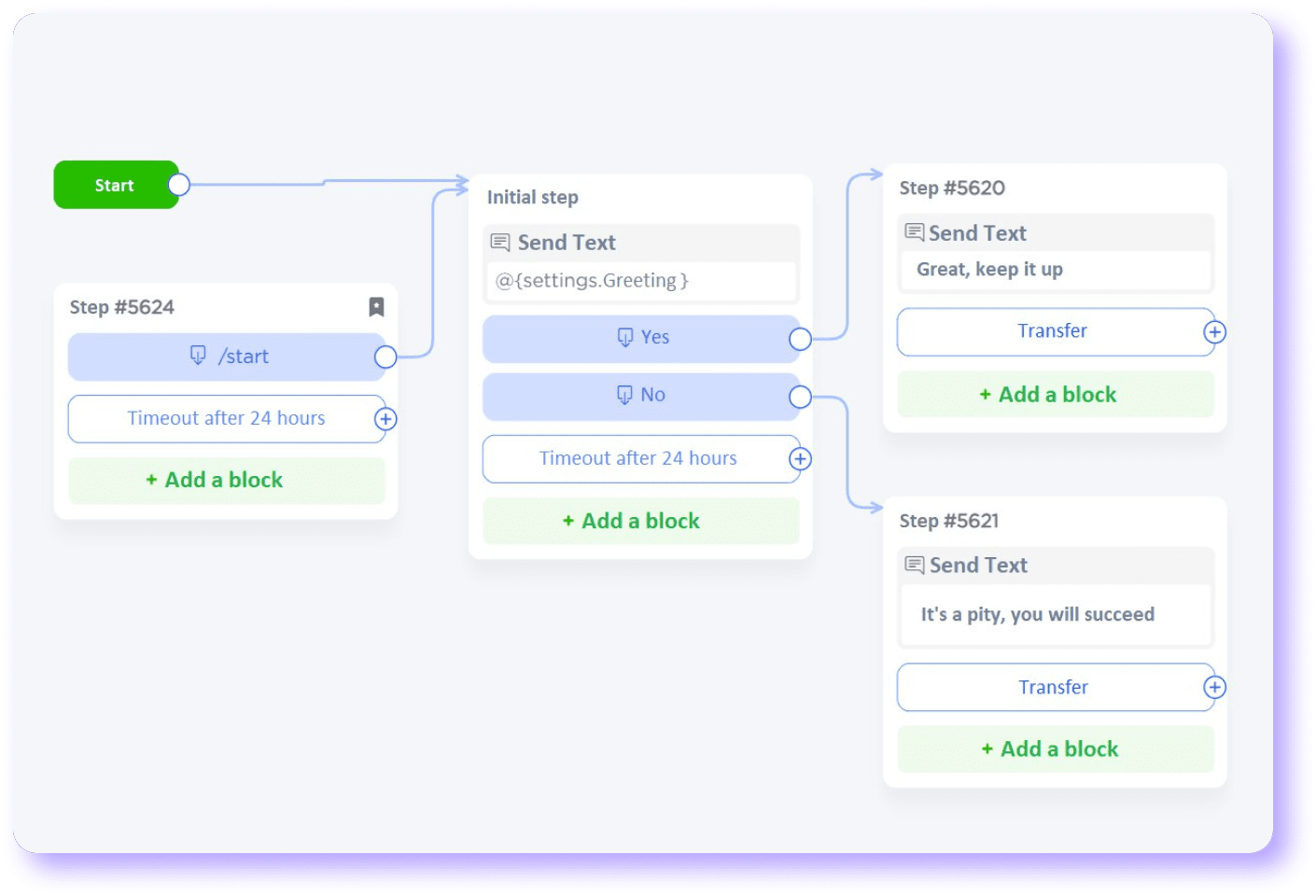
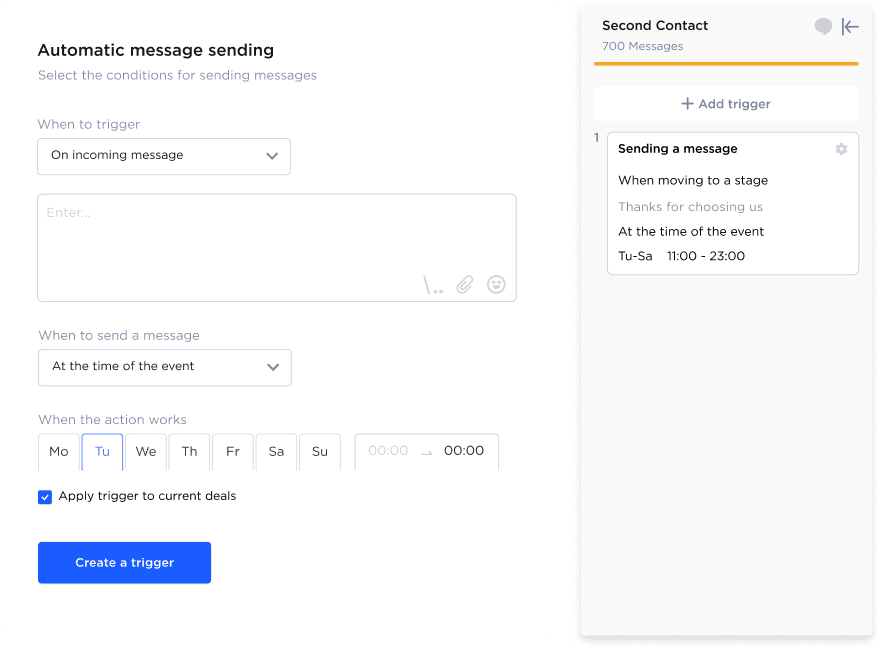
Basic trigger setup in Umnico

Automate support and sales in MAX

Ready-made message templates and flexible trigger settings in Umnico allow automatic sending of reminders and status updates to clients in MAX. Chatbots reduce specialists’ workload by handling first-line support, providing 24/7 responses, and assisting customers up to the payment stage without operator involvement.

Smartphone users
Use the full functionality of MAX
for business tasks in a unified and convenient Umnico interface
Try now
MAX logo
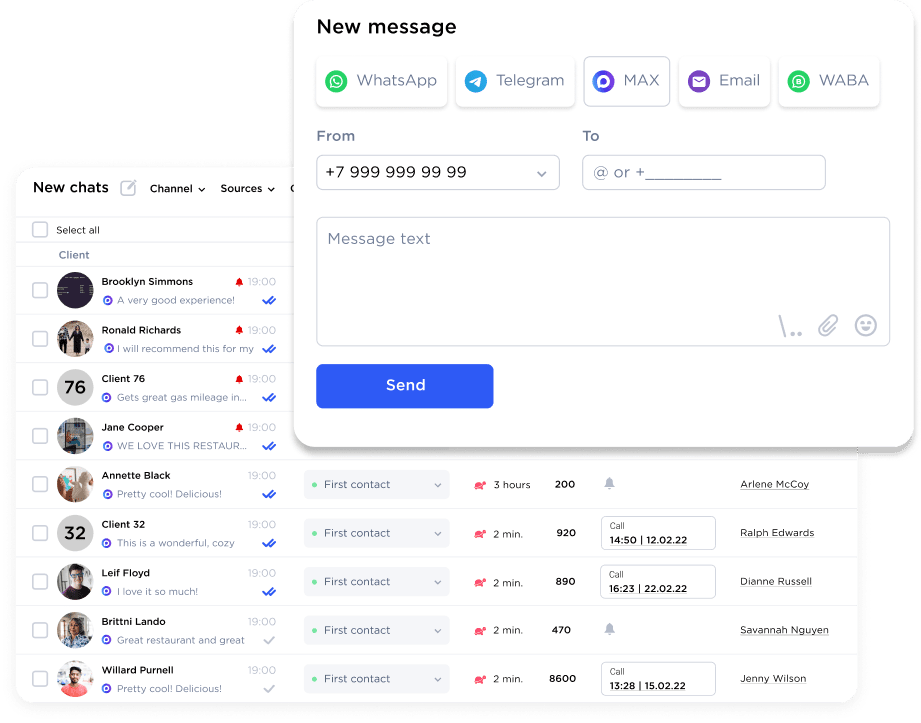
Reaching out first via MAX and delivery status monitoring

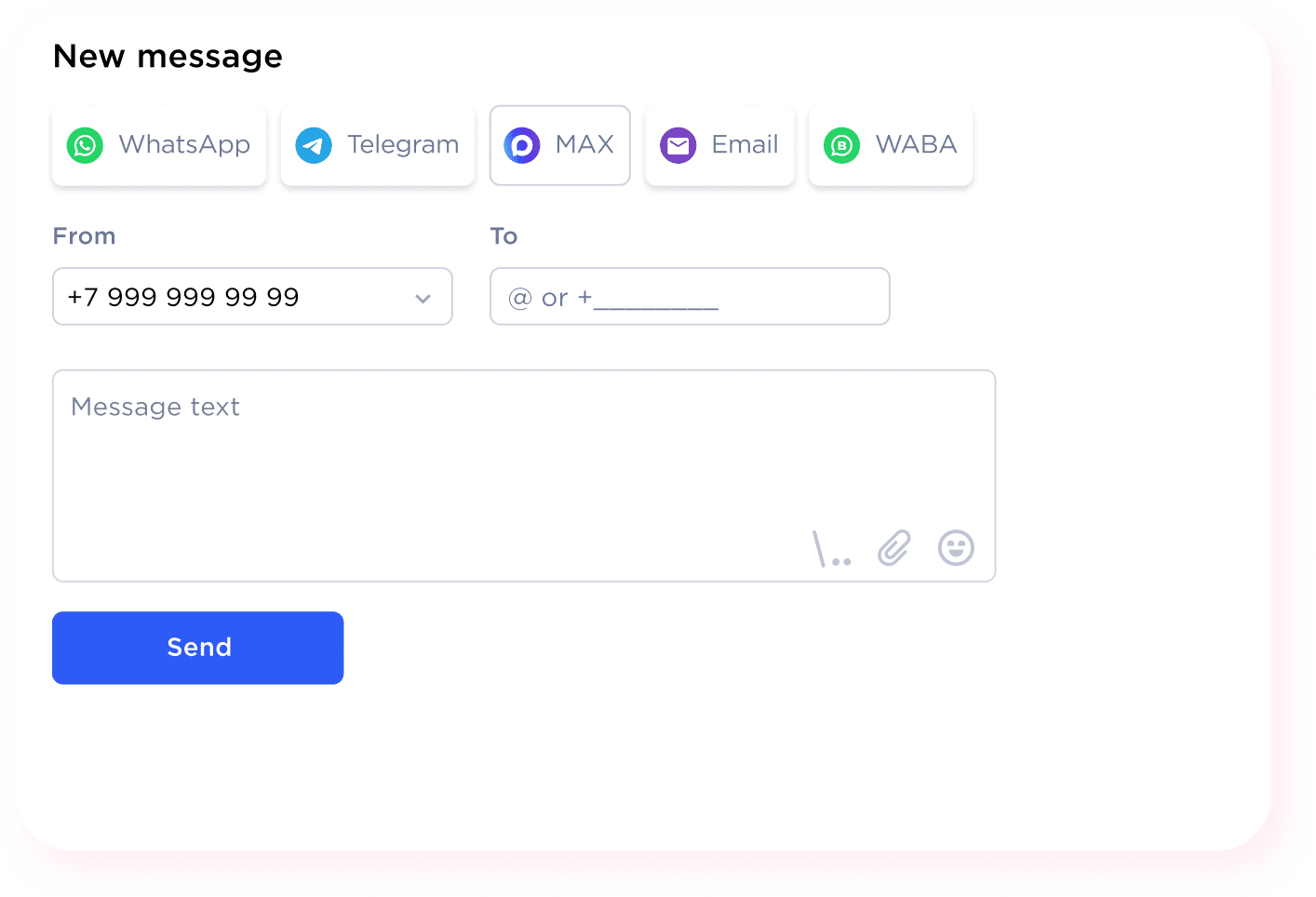
Reach out to clients first via MAX
and track delivery status

Send the first message from Umnico to MAX using a client’s messenger username or linked phone number. There’s no need to pre-add the recipient to your contact list. The delivery tracking feature lets you know if your message was delivered and read. If your specialists can’t reach a client by phone, they can message them directly in the national messenger.

MAX group chat supervision in Umnico

Engage clients and communicate
in MAX group chats

MAX group chat support in Umnico enables creating communities and engaging clients in discussions about offers, products, and services. All chat messages are available directly in the CRM along with sender contacts. Participants can freely exchange photos, videos, and documents from Umnico, maintaining active dialogue and convenient interaction.

Additional MAX features to optimize business processes

Send messages to other messengers
Message forwarding UI
Play audio and video
in CRM
Audio & video
Customizable push notifications
Toggle & bell
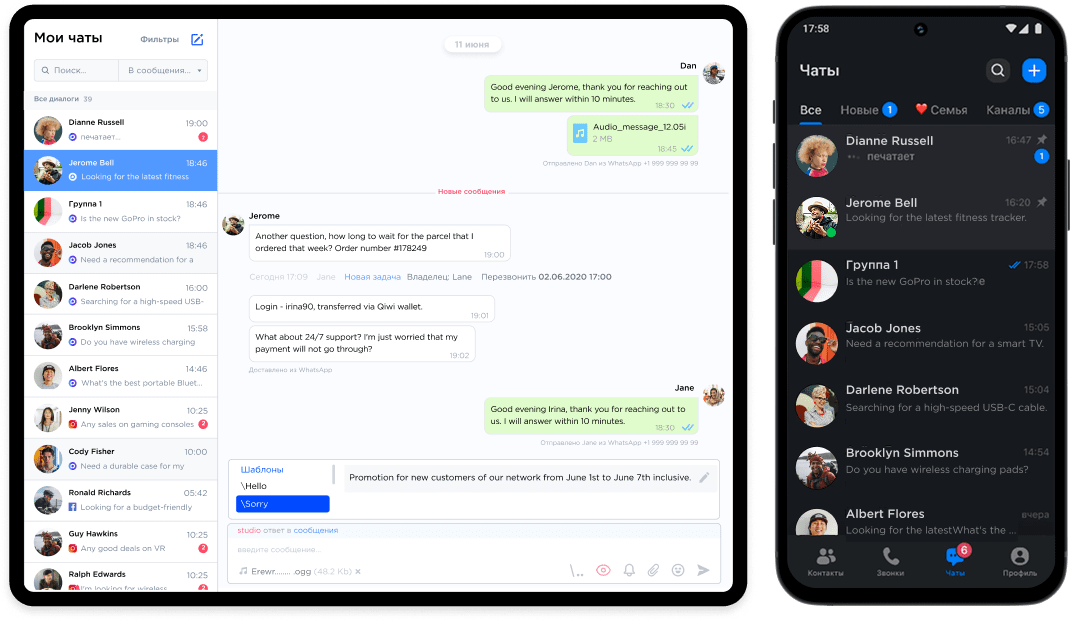
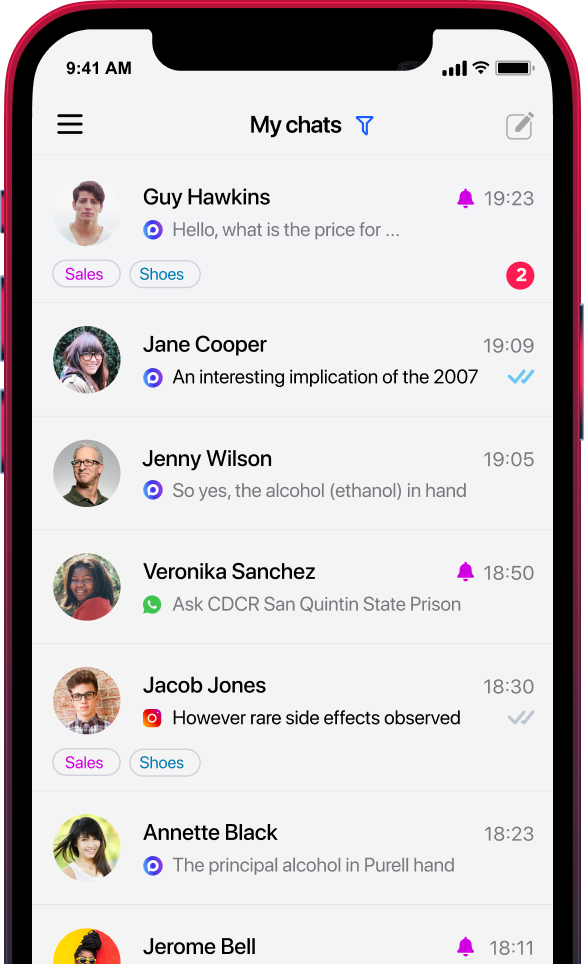
Mobile app for work on the go
Smartphone
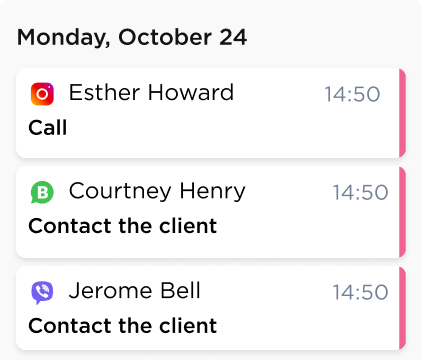
Task calendar
Task calendar
Message delivery statuses
Checkmarks
Quick chat history search
Message search

CRM for the national messenger MAX
and communication management

By connecting MAX through Umnico, you can communicate not only via the national messenger but also through Telegram, VK, Avito, and other channels in a single interface. MAX messages can be processed directly in amoCRM and Bitrix24 with ready-made integrations, set up in just a few minutes.


MAX CRM functionality helps companies build stable and long-term communication with clients in the Russian national messenger. Unlike the official messenger app, all user and employee correspondence is stored in a single system, making it convenient to track requests by stages, monitor dialogue statuses, and record agreements with reminders.

How to Set Up MAX Integration

Once connected, all messages from the national messenger MAX will automatically appear in the Umnico interface. You can link the service to a selected CRM system or integrate MAX with your own application using the universal Umnico API.

Max Integration to Umnico

Register in Umnico and get a free trial

Go to integration settings and select the MAX messenger

Enter your linked phone number and one-time code

Once connected, all messages from the national messenger MAX will automatically appear in the Umnico interface. You can link the service to a selected CRM system or integrate MAX with your own application using the universal Umnico API.

MAX integration pricing with Umnico CRM

Our team is ready to assist with messenger setup and provide professional support to every new user.

1 month
$25.8
 
6 months
$154
$25.8
a month

“We've taken full control over all customer inquiries, and they are no longer lost when switching between messengers. It's become clear who exactly answered whom”

Natalia Kartavitskaya, Turmania

“Thanks to Umnico, my business has become more systematized, conversion to sales rate has improved and leads have stopped being lost”

Sergey Alimov, Maneken Brand

“We successfully use Umnico to aggregate patient requests from instant messengers and social media”

Dmitry Slipets, Paracelsus Medical Center

Questions and answers about MAX integration with Umnico

Have questions about the benefits of integrating MAX with Umnico? We’ve prepared answers to the most frequently asked ones:
How does MAX integration with Umnico and CRM work?
Once connected, MAX messages automatically appear in Umnico and, when linked to amoCRM or Bitrix24, are recorded in client/deal cards so specialists can respond from their familiar system without losing any messages.
Can MAX be connected to Bitrix24 or amoCRM without development?
Yes, Umnico provides ready-made integration and a widget: setup takes just minutes, allowing dialogues to be managed from popular CRMs while preserving messages and client data.
What are the requirements for connecting MAX, and why is verification sometimes needed?
MAX is a national messenger with specific business connection rules: guidance materials include requirements to use a corporate bot and complete company verification, and access may depend on MAX platform regulations.
Can MAX be integrated with a custom application using an API?
Yes, Umnico supports MAX integration and other messengers through a universal API, suitable for custom scenarios and proprietary services.
What is MAX CRM mainly used for?
It’s mainly used for support and consulting, managing inquiries in one interface, recording agreements, automating standard responses and notifications, and analyzing workload and response speed in MAX channels.

MAX’s audience is rapidly growing! Connect your messenger to Umnico and leverage this growth to expand your business

MAX’s audience is rapidly growing! Connect your messenger to Umnico and leverage this growth to expand your business

Sign Up