Avito in amoCRM
up +29% Leads
up +36% CR
up +81% Read Rate

Avito and amoCRM Integration

By connecting Avito to amoCRM, you can centrally manage incoming inquiries, automatically create deal cards, and maintain the full history of communication with customers. Auto-replies, analytics, media sharing, and message templates — everything is available directly in the amoCRM widget.

Sales funnel
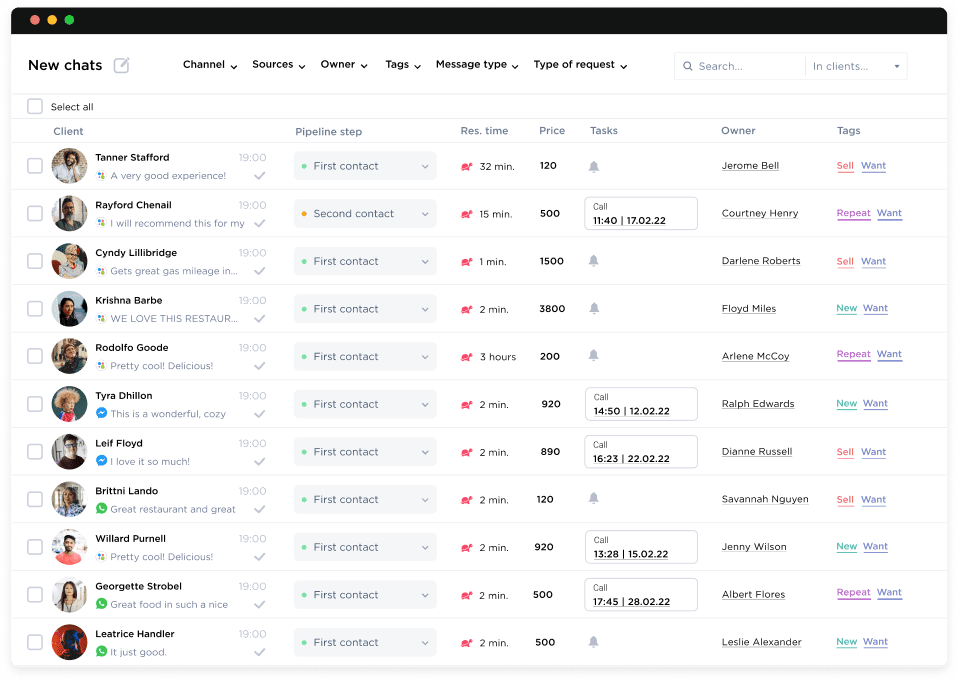
Leads instantly in the pipeline
Inquiries from Avito are automatically recorded as deals in amoCRM
Photo exchange
Convenient photo exchange
Product photos and videos can be sent and received through the widget inside the CRM
Chat history
Full control without manual reports
All conversations are stored in the system for monitoring and convenient analysis
SBER
kia
invitro
dhl
raif

Why connect Avito to amoCRM?

Avito integration with amoCRM via Umnico combines the CRM workflow logic with the capabilities of the Avito platform. All messages from customers are recorded in deal and contact cards, eliminating the risk of losing conversations. Inquiry history, product images, message statuses, and agreements are always accessible to your team, helping accelerate lead processing, improve sales transparency, and increase conversion rates.


In addition, the integration simplifies management of multiple Avito accounts from a single interface, allows assigning responsible managers, automates repeat inquiries, and enables the use of message templates. As a result, your team works faster, more transparently, and with significantly lower risk of losing leads.

What tasks does Avito integration with amoCRM solve?

Check mark
Complete control of conversation history
Are your conversations with Avito customers still stored only on the classifieds platform? All messages and attachments are automatically saved in amoCRM, ensuring centralized communication management
Check mark
All customer information in one place
Do you often lack buyer information during conversations? Avito inquiries are instantly linked to deals and contacts in the CRM — dialogue history, repeat requests, and deal status are always available
Check mark
Higher conversion from leads to deals
Do your listings receive many messages but result in few actual sales? Avito integration with amoCRM speeds up responses, automatically creates deals, and distributes inquiries among specialists without losses or delays
Check mark
Less time spent on routine tasks
Are your consultants overloaded with manual message processing and deal creation? The integration automates key workflows: deals are created automatically, and tags and lead sources are assigned automatically
Check mark
Reduced lead loss
Do messages remain unanswered or get lost due to a high volume of inquiries? All Avito leads are reliably captured in the CRM and recorded in the sales pipeline
Check mark
Sales team transparency
Is it difficult to understand who processes Avito inquiries and how? All conversations and employee actions are logged in amoCRM, simplifying quality control, employee training, and team performance analysis

Discover how Umnico can increase inquiry conversion for your business

quiz blue line

What kind of business do you do?

1   /6

question

Features of Avito integration with amoCRM via Umnico

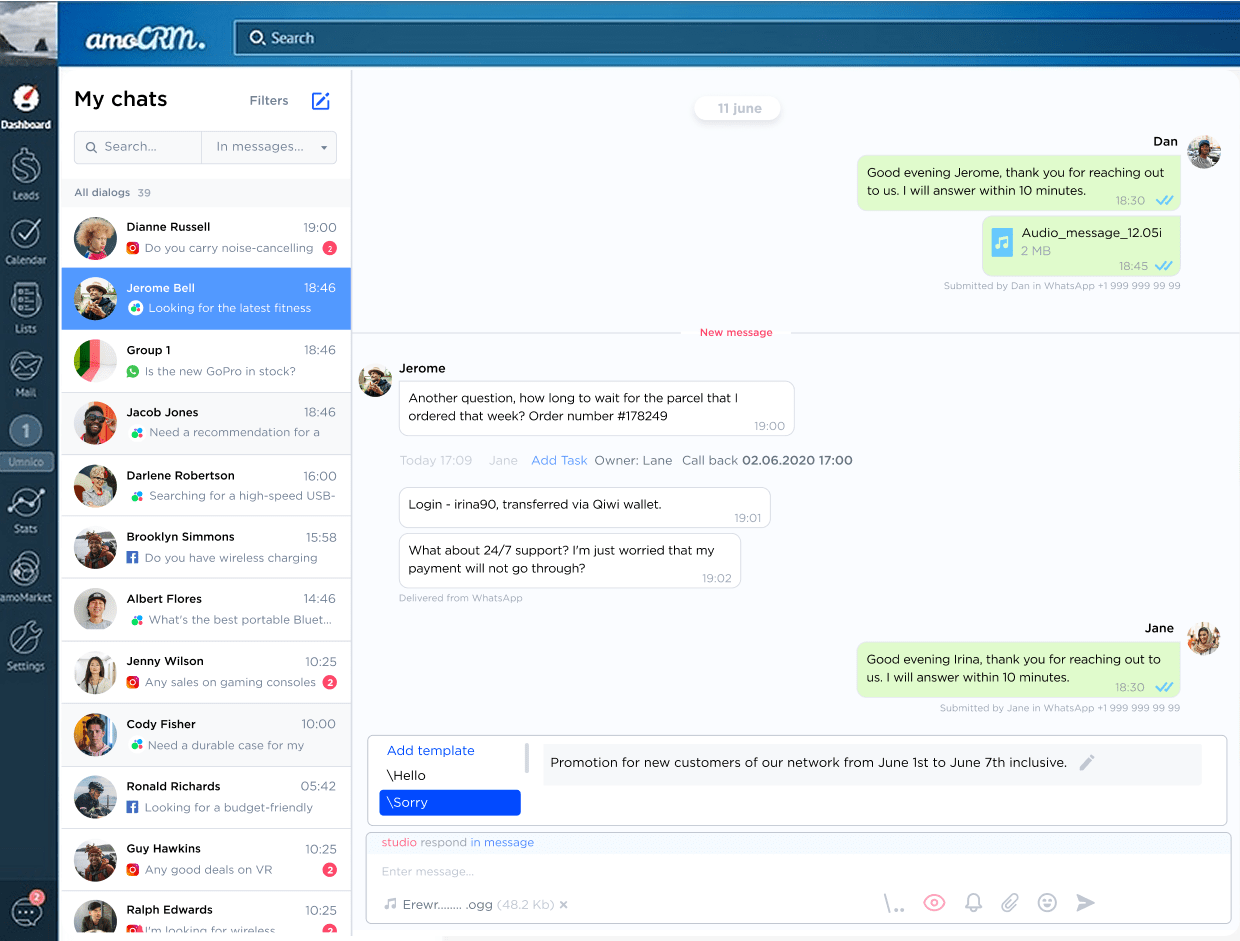
Connecting Avito to amoCRM allows your team to communicate with customers through the widget directly inside the CRM, without constantly switching between tabs and applications. All dialogues are collected in a single window within the Umnico chat center. Lead automation, auto-replies, and message templates accelerate inquiry processing and increase conversion rates.

All inquiries in one interface

All Avito inquiries in one interface

All messages and comments from Avito are automatically created in contact and deal cards in amoCRM. There is no need to switch between accounts — conversation history, customer names, and phone numbers are always available, which speeds up processing and improves conversion.

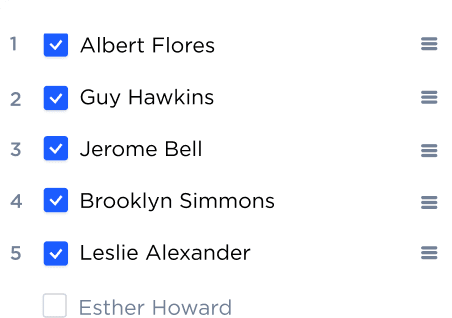
Automatic lead distribution

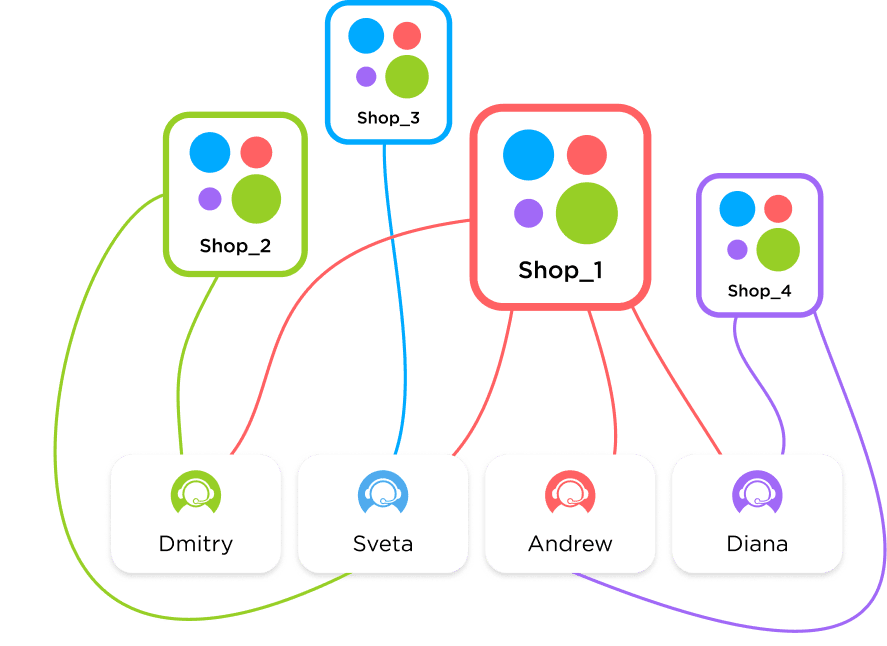
Automatic lead distribution among managers

New inquiries from different Avito accounts are automatically assigned to responsible specialists. Each deal is routed to the appropriate employee, eliminating confusion and manual assignment, which accelerates lead processing and improves team efficiency.

Avito logo

Process Avito leads in amoCRM and increase sales today

Auto-replies and notifications

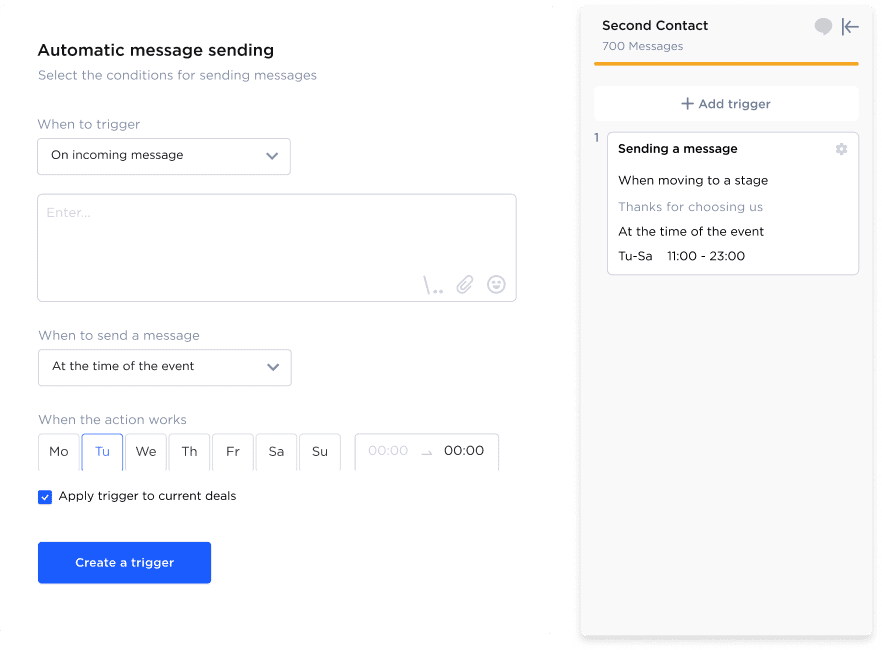
Auto-replies and notifications outside business hours

Configure automatic responses to incoming Avito messages in the Umnico widget within amoCRM. Customers receive instant confirmation even when consultants are busy, increasing trust and keeping leads engaged with your store.

Listing card preview

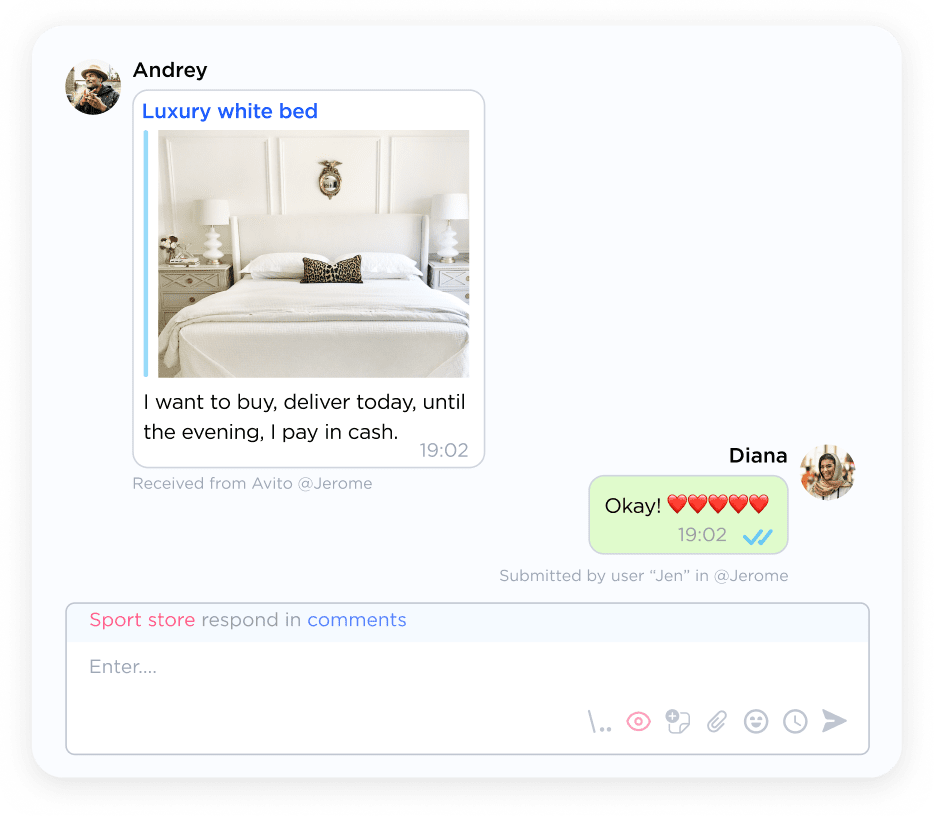
Listing card preview and photo exchange directly in the CRM

Your employees can see which product or service the customer is interested in directly inside the deal card. They can quickly send additional photos, documents, and template responses, speeding up reactions and increasing the probability of closing the sale.

Even more useful Avito features for amoCRM

Blacklists and message filters
Message forwarding to other messengers
Message forwarding
Welcome messages
Welcome messages
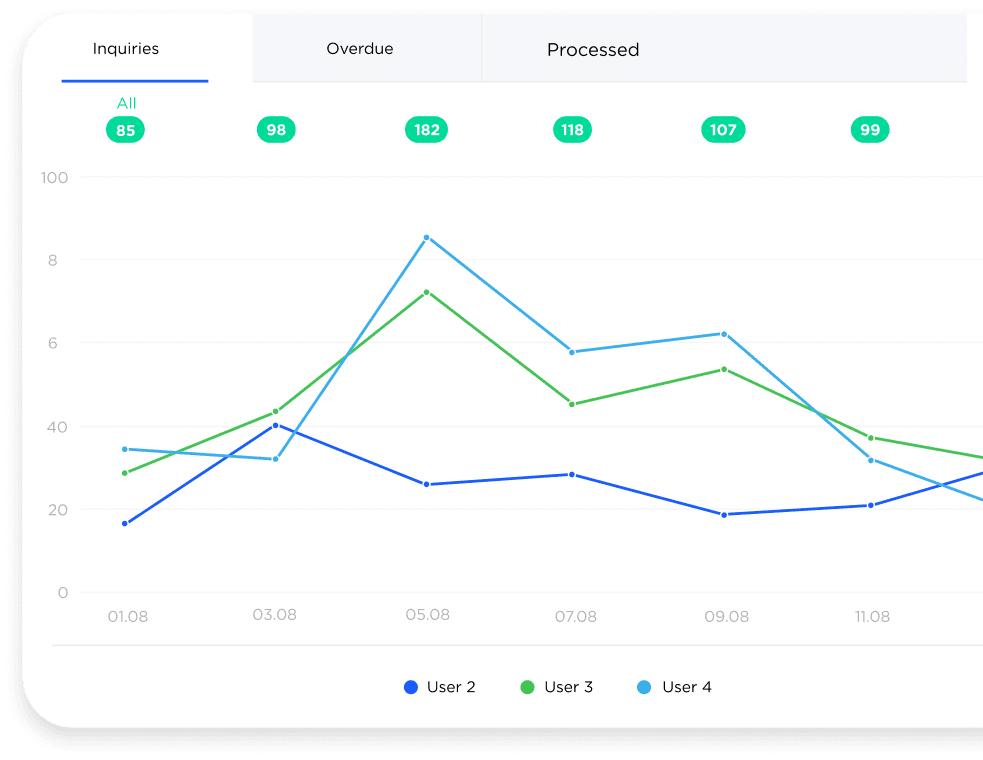
Performance analytics
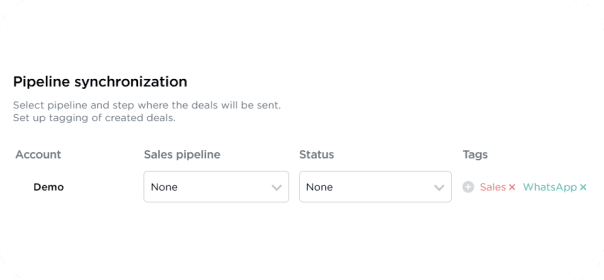
Deal tagging
Deal tagging
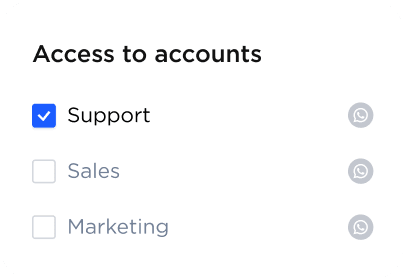
Chat access settings
Search across all messages

Why Avito integration with amoCRM is more effective than using the mobile app

All messages and leads are stored in the CRM rather than remaining on employees’ personal devices. This eliminates the risk of losing conversations and ensures full transparency in team operations. Unlike standard communication via phone or messengers, the integration automatically maintains the entire dialogue history and allows you to configure auto-replies, trigger scenarios, and tags. This speeds up inquiry processing, improves sales conversion and customer retention, and simplifies monitoring and performance analytics for specialists.

Avito appAvito in CRM
Conversation automation-+
Automatic lead distribution among employees-+
Multiple account support in one interface-+
Analytics by lead sources and deal stages-+
Message templates and auto-replies-+
Tags and notes in chats-+
Customer data management-+
Storage and control of all conversations-+

How to connect Avito to amoCRM

Kommo Integration into Umnico

Register in Umnico and connect your Avito account

Connect Umnico to amoCRM through the settings section

Configure the integration parameters with amoCRM

After connecting, all Avito messages will automatically appear in amoCRM deal cards and in the Umnico chat center. If you need assistance, our support team will help you configure the integration.

amoCRM and Avito integration pricing

The price of the integration depends on the selected subscription period and the number of connected Avito accounts.
Starting from $12.5 a month
You can test Umnico features for free during the trial period or immediately choose the pricing plan that best fits your business needs.
All-in-one messenger widget with custom rates

You may also find other messenger integrations with amoCRM useful

amoCRM provides extensive tools for sales automation and building productive communication with customers. With the Umnico omnichannel platform, you can integrate several popular messaging channels into your CRM and process inquiries in the channels that are most convenient for your customers.

Integration of Telegram Personal and Telegram Bot with amoCRM, providing all the tools required for fast and convenient customer communication
Advanced MAX functionality in amoCRM for process automation and increased productivity when working with customers, combining the capabilities of all connected channels
Core WhatsApp capabilities within amoCRM that ensure effective interaction with a large audience and fast processing of customer inquiries
Work with messages and comments on your VK community page directly in the CRM — efficient interaction with the audience of the largest Russian social network

Frequently asked questions about Avito integration with amoCRM

The most frequently asked questions from customers and partners about connecting Avito to amoCRM:
Can I work with multiple Avito accounts simultaneously?
Yes, the integration supports connecting multiple Avito business accounts at the same time. Each operator can use their own account while access rights can be flexibly configured for the entire team. This allows centralized processing of inquiries from different stores without losing conversation history or channel statistics.
Can personal Avito accounts be integrated?
No, the integration is available only for business accounts. This ensures stable operation, correct processing of all messages through the CRM, and eliminates the risk of account restrictions from Avito.
Is there a trial period for the integration?
Yes, Umnico provides a free trial period. You can connect one or several accounts, evaluate the functionality, test auto-replies, templates, analytics tools, and media handling before fully implementing the integration.
Are there delays when sending or receiving messages?
Delays are minimal. Integration via API allows incoming and outgoing messages to be processed faster than through the standard Avito application, enabling your employees to respond instantly and improve conversion.
Can message templates and auto-replies be used?
Yes, the Umnico widget supports standard conversation automation tools: templates, auto-replies, welcome messages, and trigger notifications. This speeds up team workflows and maintains a consistent communication style with customers.
Which CRMs are supported besides amoCRM?
The main integration is with amoCRM, but Umnico also offers solutions for Bitrix24 and other popular CRM platforms. This allows centralized customer management while keeping all conversations, message statuses, and deal history in one place.
Are special technical skills required for setup?
No, the process is максимально simplified. Connecting channels, configuring access rights, and setting up lead distribution are performed through the convenient Umnico interface without programming or complex technical preparation.
How does the integration help with analytics and reporting?
All inquiries and deals are recorded in the CRM, including tags, sources, and message statuses. This makes it possible to build reports on consultant performance, the number of inquiries from Avito, conversion rates, and identify bottlenecks in the sales department workflow.
Is collaborative work through one Avito account supported?
Yes, the integration allows several employees to work simultaneously with one Avito account, with flexible access rights and automatic lead distribution so that no inquiry remains unattended.
Are all conversation histories and attachments stored in the CRM?
Yes, all messages, photos, and comments are recorded in contact and deal cards rather than on employees’ devices, ensuring transparency, enabling analytics, and supporting automation.
Start working with Avito customers in amoCRM today — quickly and conveniently!

Start working with Avito customers in amoCRM today — quickly and conveniently!

Sign Up